The month-end close, in five clean stages.
A close that drags is almost never one big problem. It is twenty small ones arriving in the wrong order. This checklist puts them in the right order, so the month closes the same way every time.
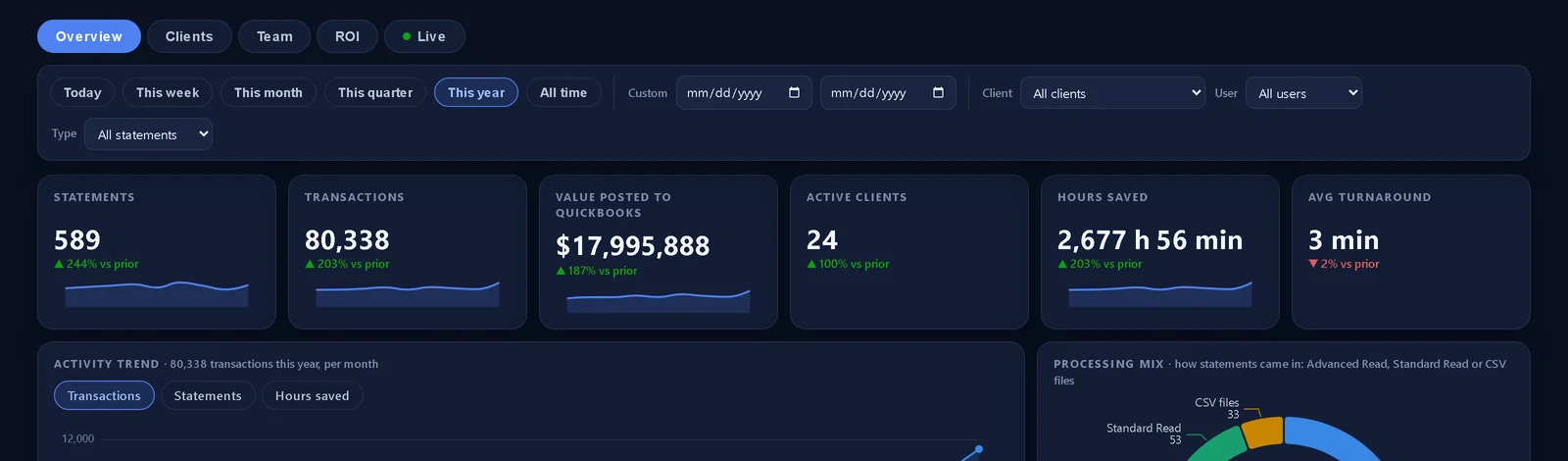

Get the free Month-End Close Kit.

Everything below, ready to print: the one-page checklist, a close tracker for the whole firm, the account tie-out worksheet, ready-to-send messages for chasing documents, a review list and a page to measure your close. Nine pages, free, and it works with or without QBuddy.
Stage 1 · Collect.
- Pull every bank and card statement the moment it is available; do not wait for the slow ones to start the fast ones.
- Chase missing documents with a standard nudge on day 2, not a heroic scramble on day 8.
- Log what arrived against a per-client account list, so a missing account is caught now, not at reconciliation.
Stage 2 · Enter.
- Get every transaction into QuickBooks, Online or any Desktop version, from the statements, not from memory or feeds alone.
- Categorize to the client's chart of accounts using the same rules as last month. Consistency now saves review time later.
- Flag anything genuinely ambiguous for the review pass instead of guessing.
Stage 3 · Reconcile.
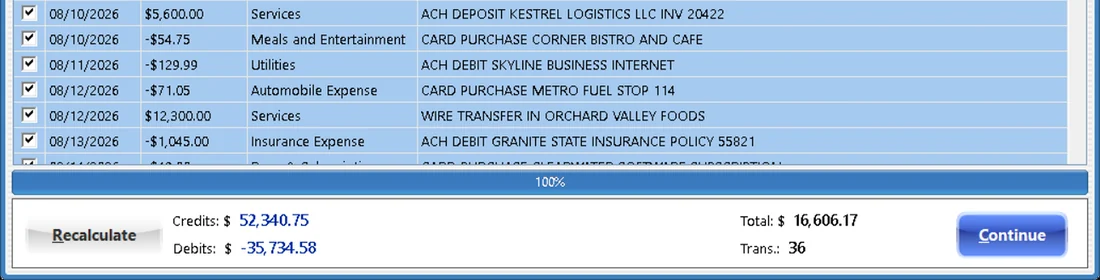
- Tie each account: transaction count, total credits, total debits and ending balance against the statement.
- Investigate every difference to zero. “Close enough” in month 1 becomes a mystery in month 6.
- Clear stale uncleared items past your threshold with the client, not silently.
Stage 4 · Review.
- Scan the P&L and balance sheet against last month and the same month last year; explain the swings before the client asks.
- Check the flags from stage 2: loans, transfers, owner draws, and anything touching payroll or sales tax.
- Confirm accruals, depreciation and recurring journal entries posted.
Stage 5 · Deliver.
- Send the package the same day the review closes: statements tied out, reports attached, notes on anything unusual.
- Record the close date per client. The trend of that date is the health of your practice.
- Write down the one thing that slowed this close, and fix it before the next one.
Run the same five stages for every client, every month, in writing. The checklist is not there for the easy months; it is there so the hard ones look exactly like the easy ones, just with more statements.
See it on your own statements.
Book a 15-minute demo and bring the messiest statement you have. We will run it live.