Practical reading for firms that want their evenings back.
Working guides from the team behind QBuddy. The same practical, no-fluff material we send to readers of The QBuddy Dispatch, published for everyone.
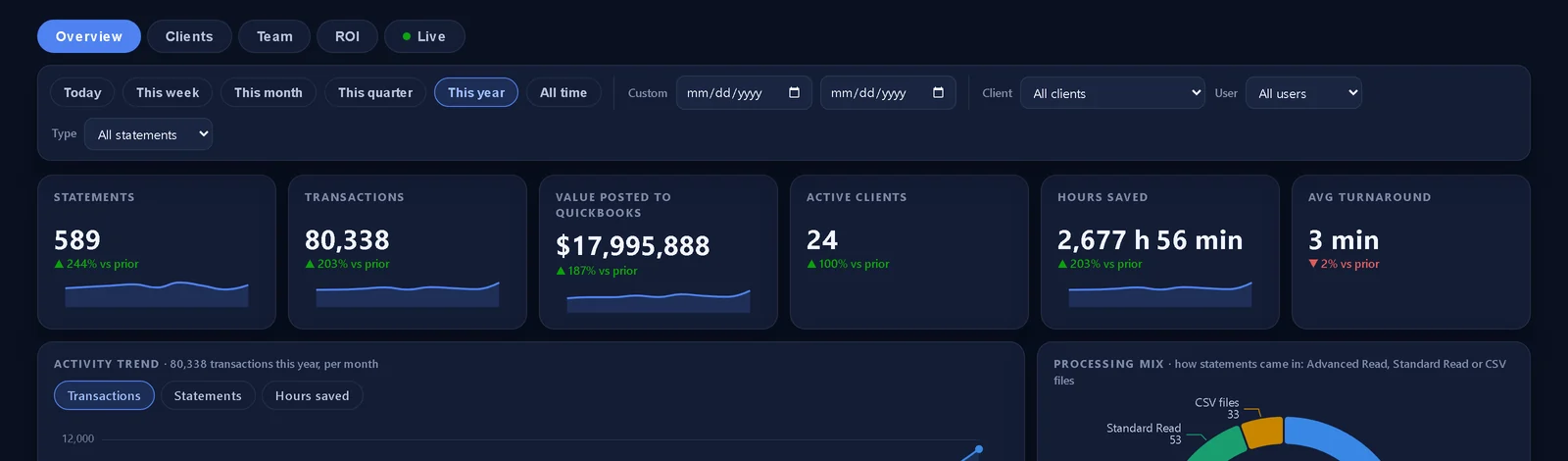

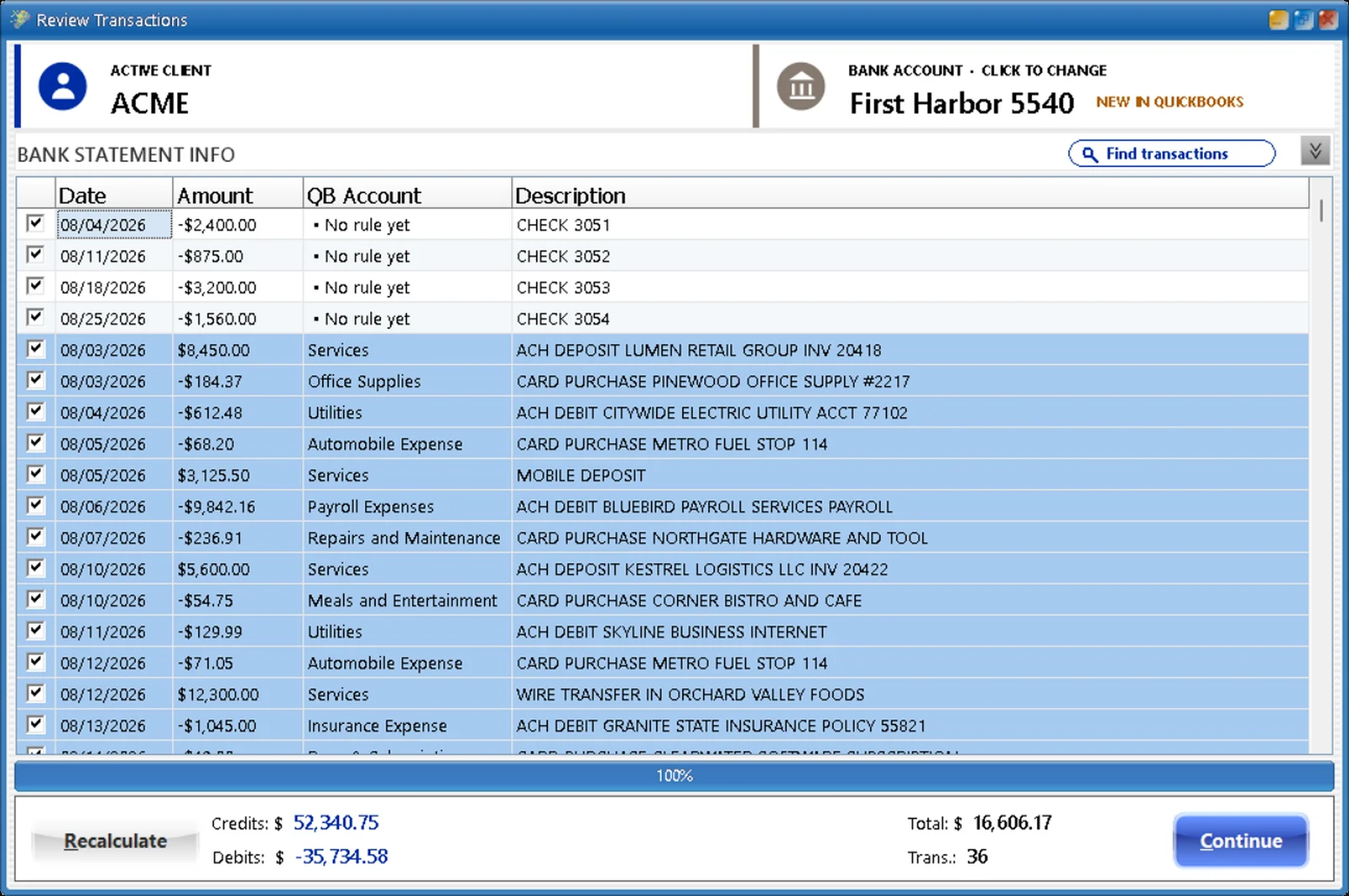
Build it in the quiet. Use it in the storm.
Low volume now is the reason to start, not to wait. A 12-week plan to have your team trained and every client's rules built before tax season.
See the 12-week plan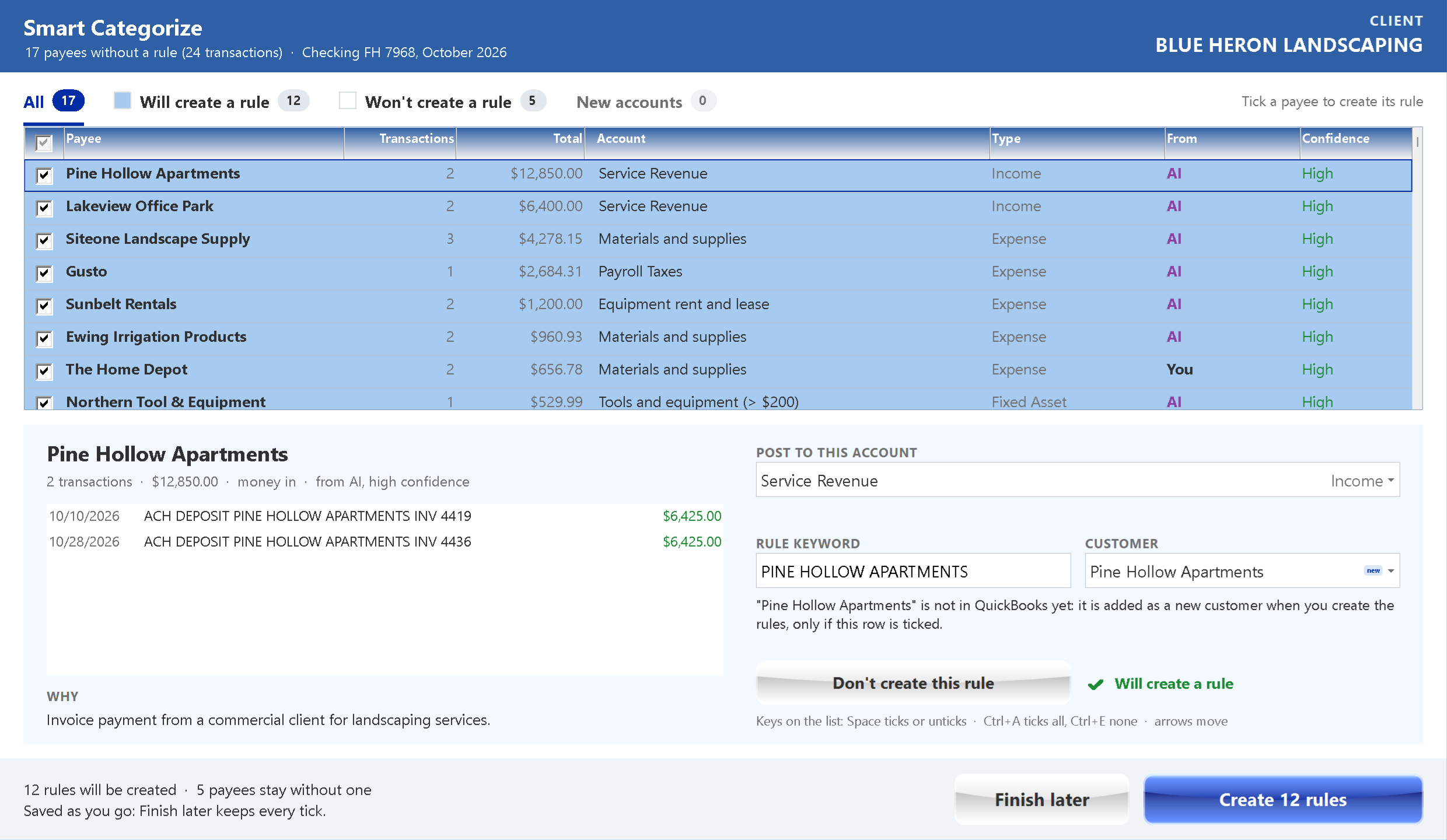
Rules that write themselves. You still sign off.
A new client's first month, done for you: a suggested account for every payee, with the reason, from your firm's own rules first. You decide; one click makes the rules.
See how it works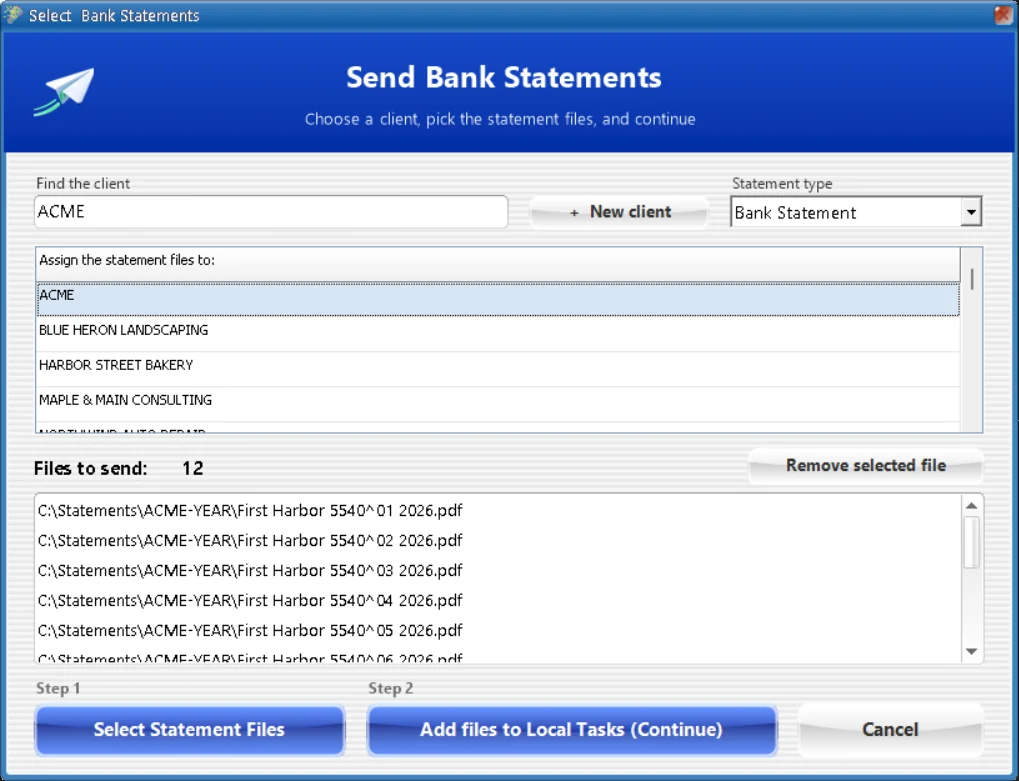
Tax season brings the statements. QBuddy brings the books.
A year of statements read, proved against the bank and posted before the return starts. Built inside tax firms since 2017.
Read the page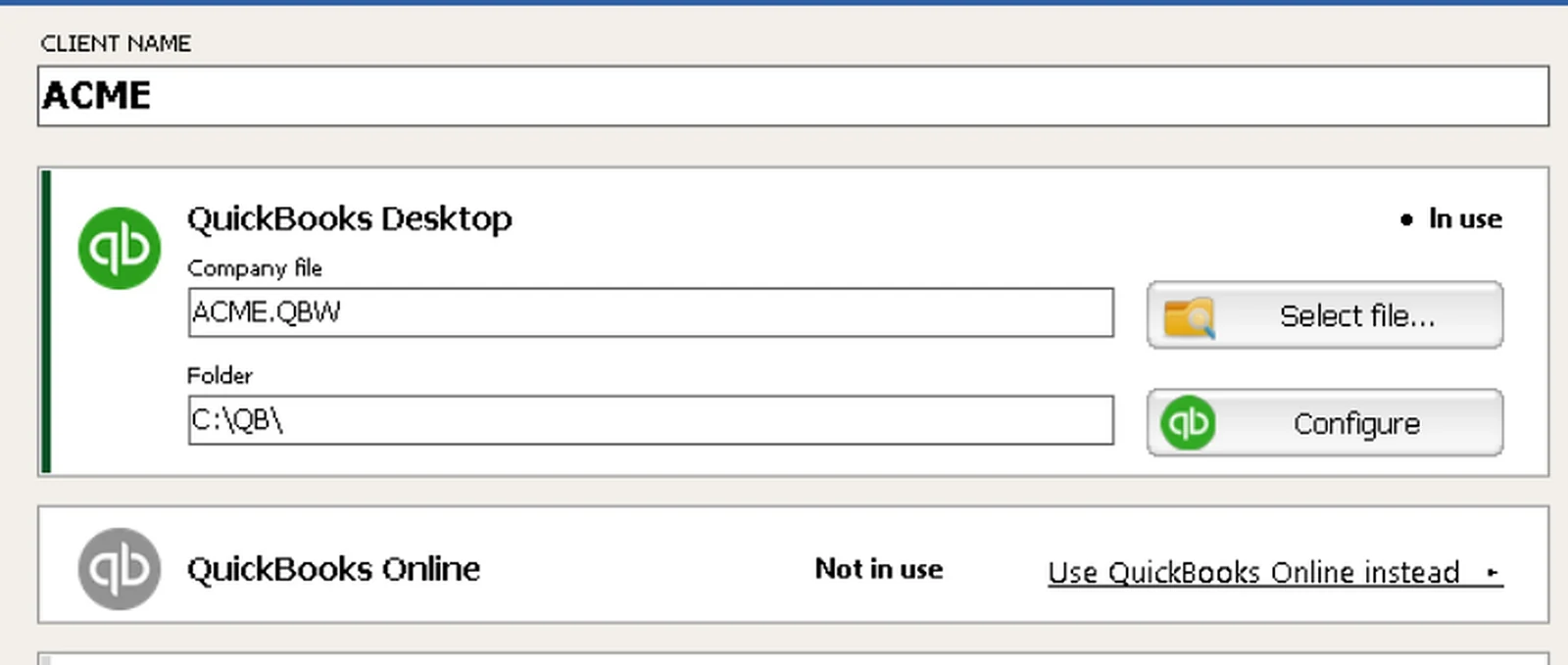
More clients. Same team. No more typing.
Each client's own rules, a close you can sign off on, and capacity that grows with your client list instead of your payroll.
Read the page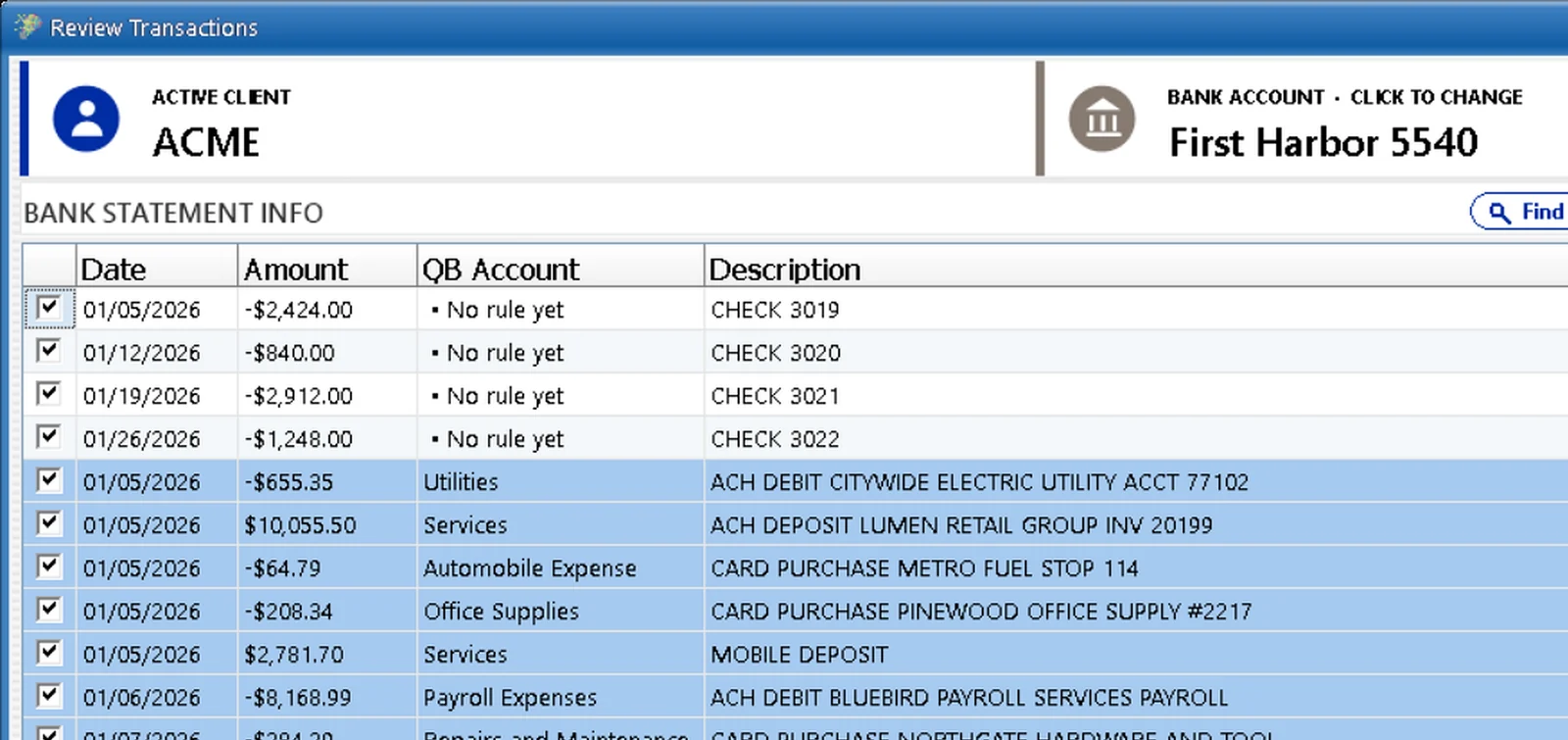
A year behind? Caught up this week.
Take the catch-up and cleanup work clients pay for, with a year of statements in one send and every month proved.
Read the pageQuickBooks Desktop is not going away
What Intuit actually announced: a stop-sell of new Pro, Premier and Mac subscriptions, Enterprise still on sale, Desktop 2024 kept. With the sources.
Read the facts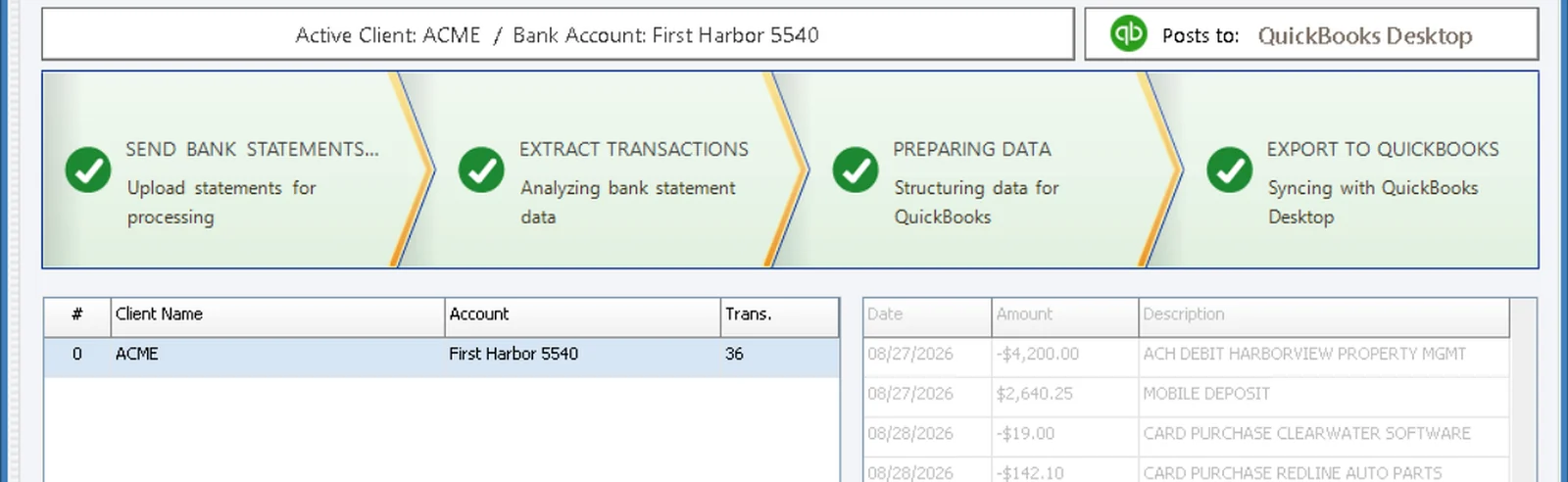
How to stop typing bank statements, for good
Why manual entry survives at modern firms, what it costs, and a realistic path to ending it without disrupting a single client.
Read the guideThe month-end close checklist
A clean, repeatable close in five stages, from collecting statements to the final review. With a free printable kit.
Read the checklist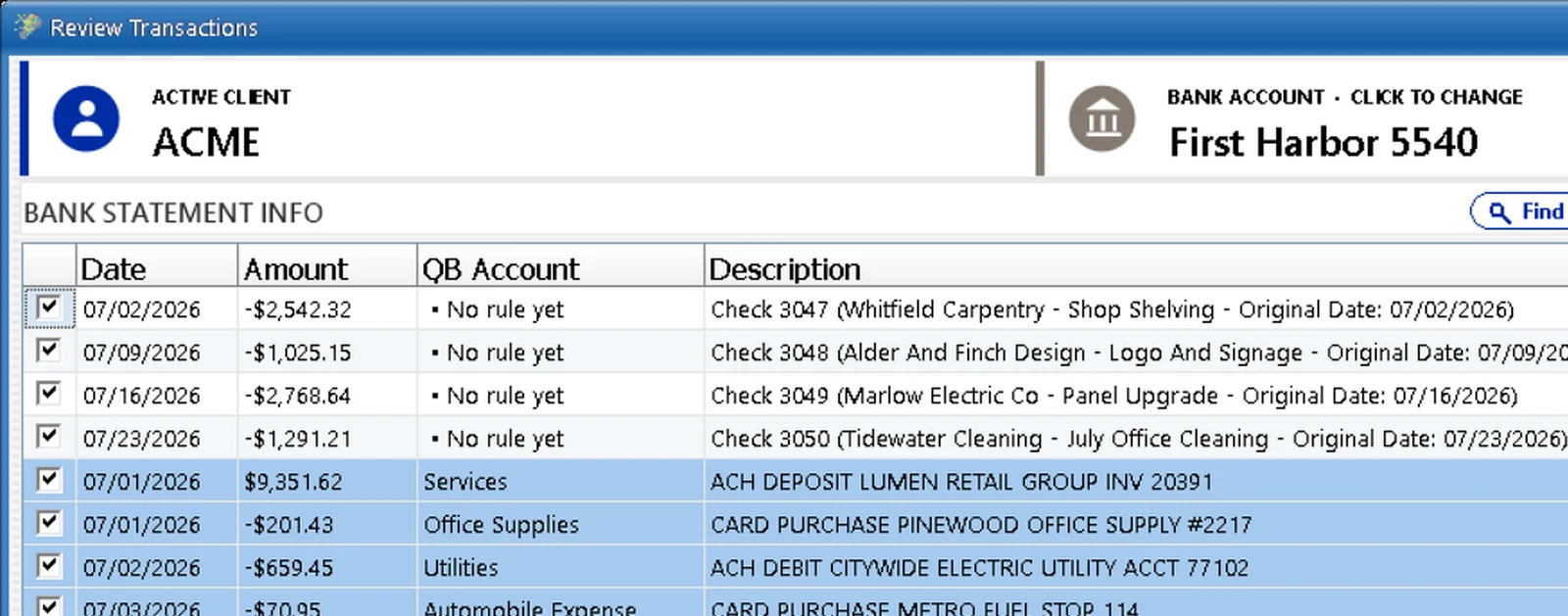
Handwritten checks without the headache
Why handwritten checks eat so much time, and how firms handle them at volume without squinting at scans.
Read the guideThe Firm Profit Toolkit.
See what typing really costs your firm, share a report with your partners, and take home a working Excel workbook. Free, with or without QBuddy.
Get the free toolkitSee it on your own statements.
Book a 15-minute demo and bring the messiest statement you have. We will run it live.