
Watch QBuddy do the typing.
Short videos of the real screens, one job each, from a bank statement to entries posted in QuickBooks Online and every Desktop version. Pick the question on your mind, watch the answer, then bring your own statements to a 15-minute demo.
That was the video. The demo is the real thing.
Fifteen minutes, your own statements, your books untouched.
Start here
The whole job, from statement to posted.
 0:54
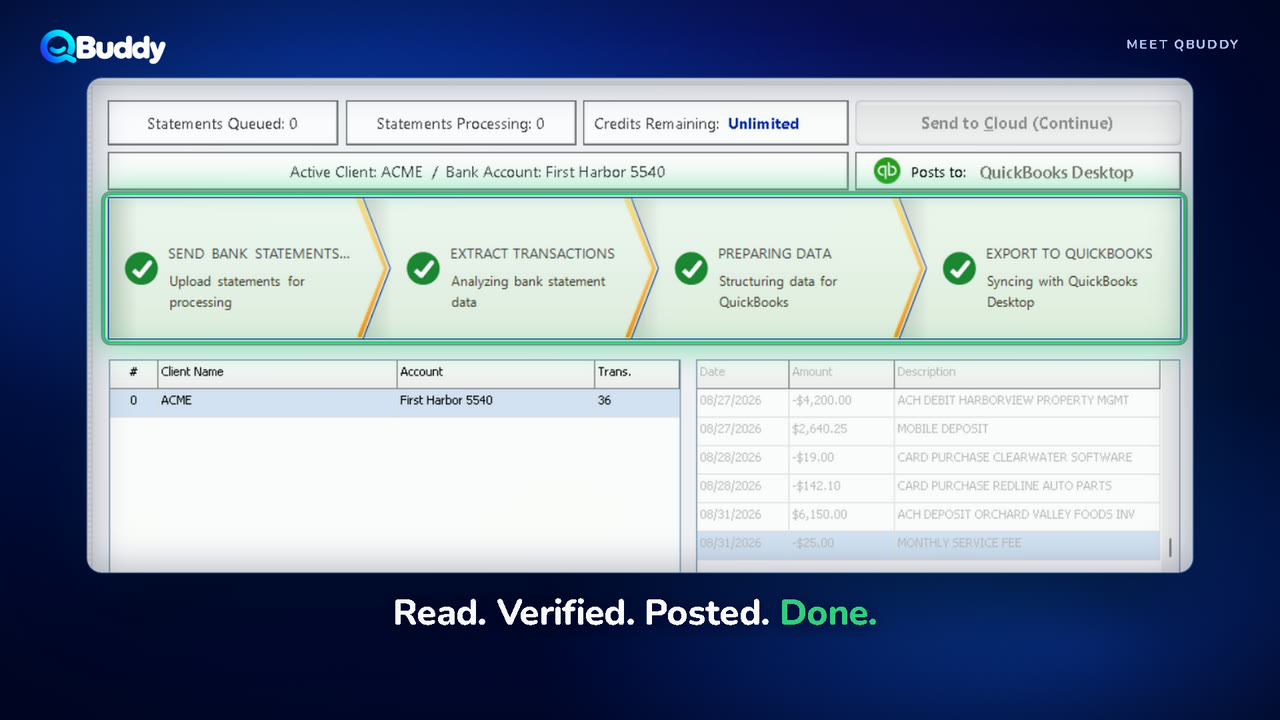
Meet QBuddy
0:54
Meet QBuddy
Stop typing. Start growing.
The whole job in one minute: a bank statement goes in, verified entries come out in QuickBooks.
 0:55
How it works
0:55
How it works
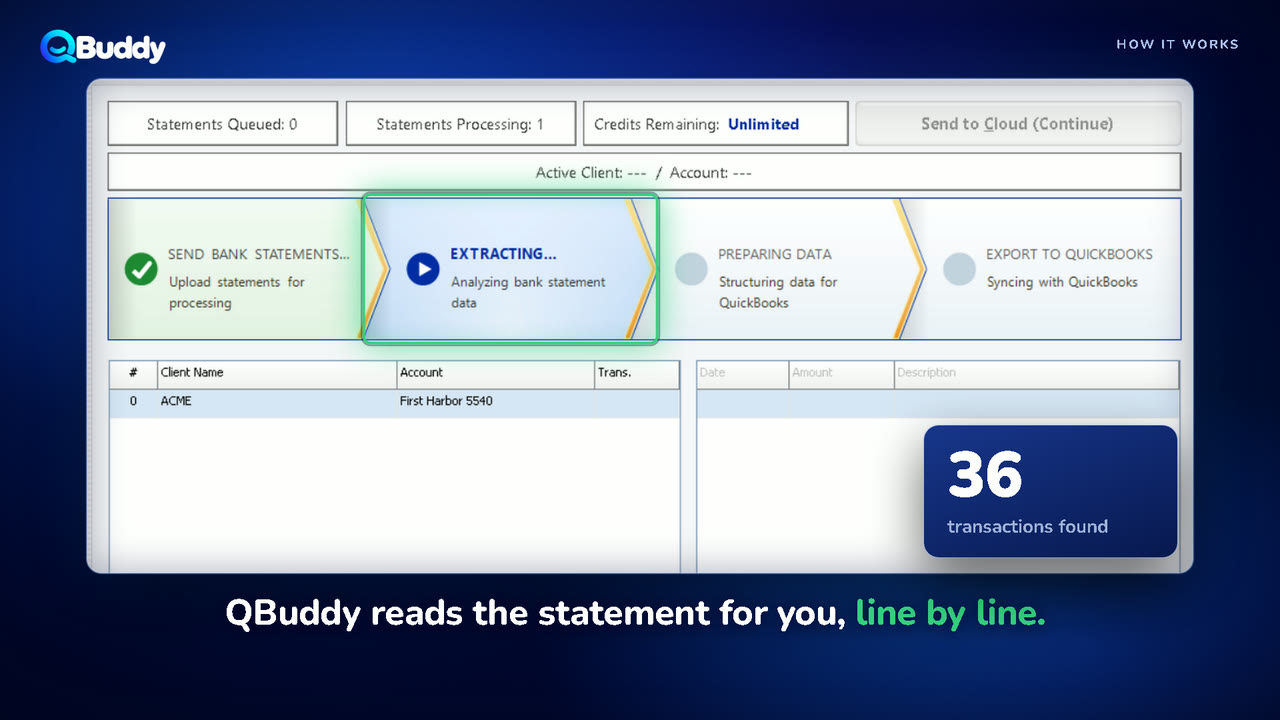
From bank statement to QuickBooks.
Follow one statement from PDF to posted, screen by screen. This is all your team does.
 0:27
QBuddy
0:27
QBuddy
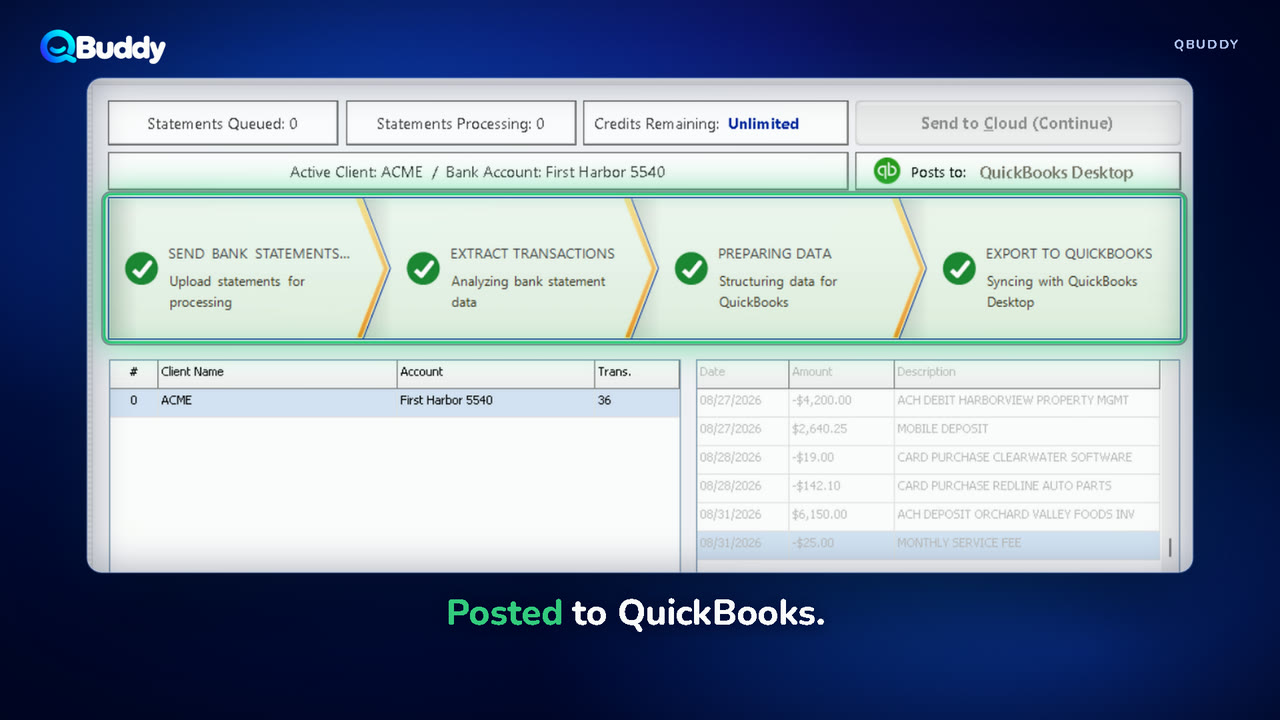
Minutes. Not hours.
The short version. One statement, read, categorized and posted.
Can I trust the numbers?
Nothing posts until it matches the bank.
 0:38
BalanceProof
0:38
BalanceProof
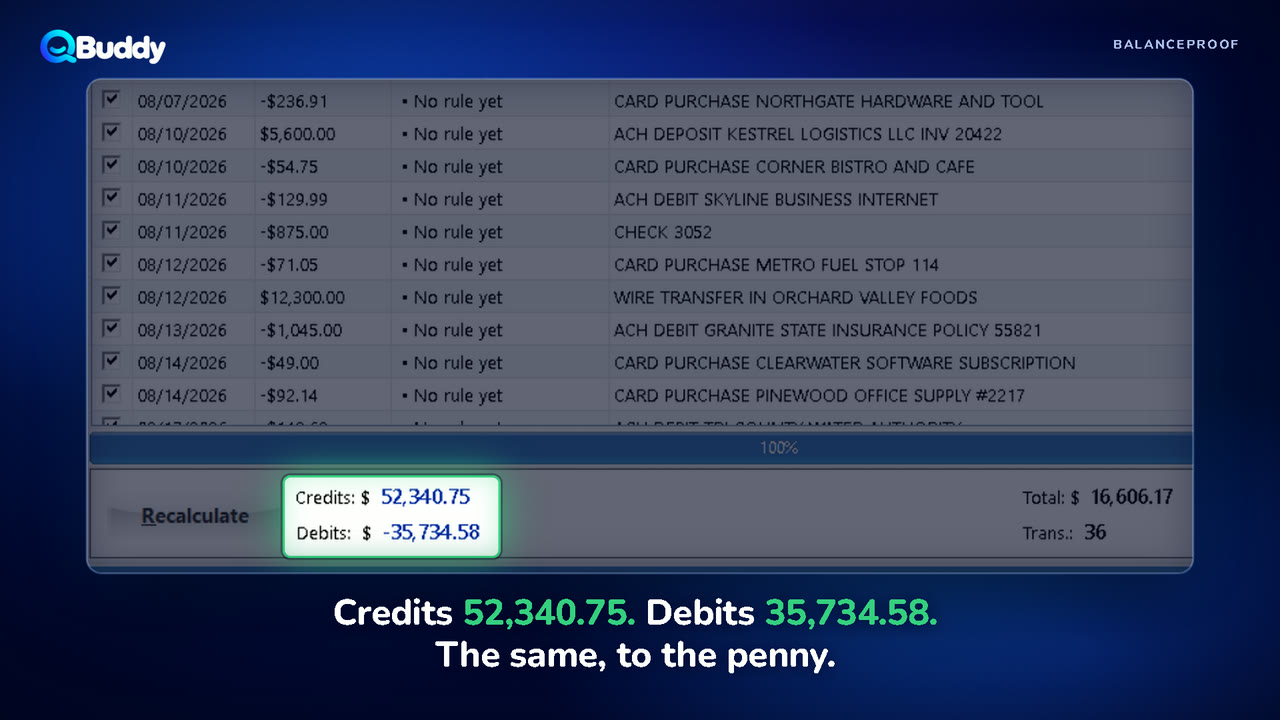
Every total checked. To the penny.
BalanceProof compares what QBuddy read with the bank's own totals before anything posts.
 0:45
Checks
0:45
Checks
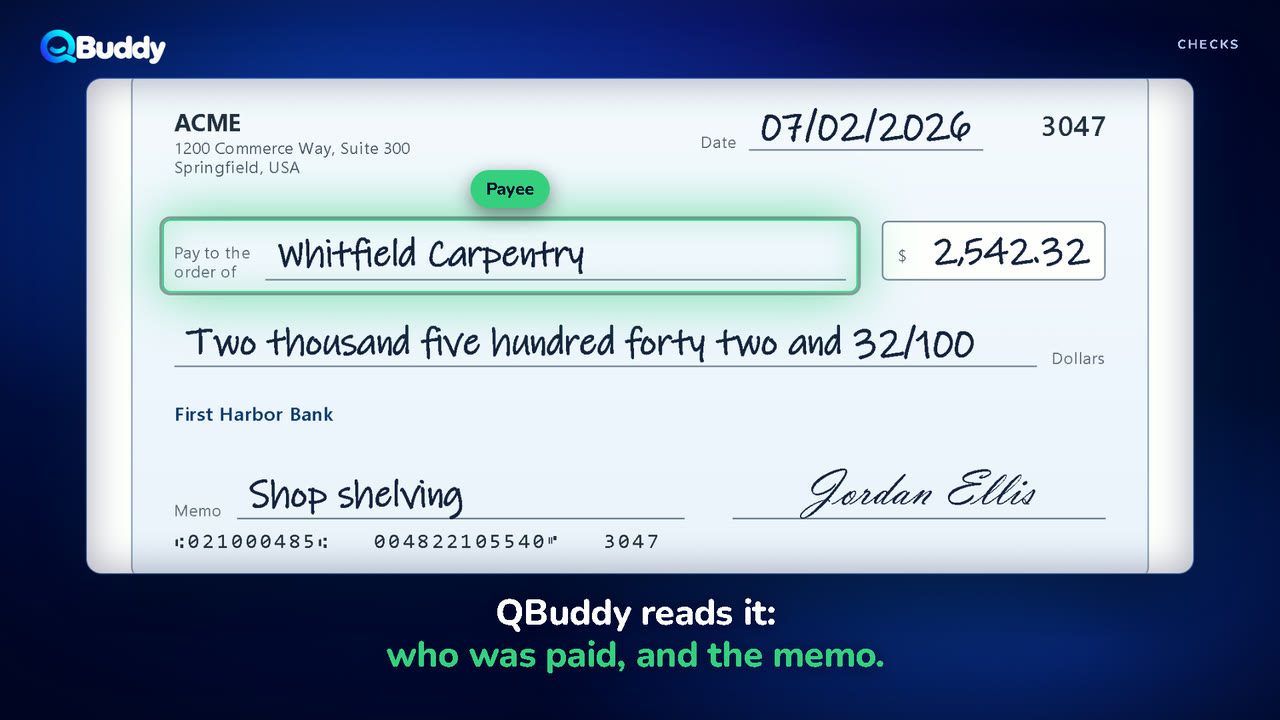
Checks, read like a person reads them.
Payee and memo come off the check itself, so a check stops being a mystery line.
 0:35
Bank accounts
0:35
Bank accounts
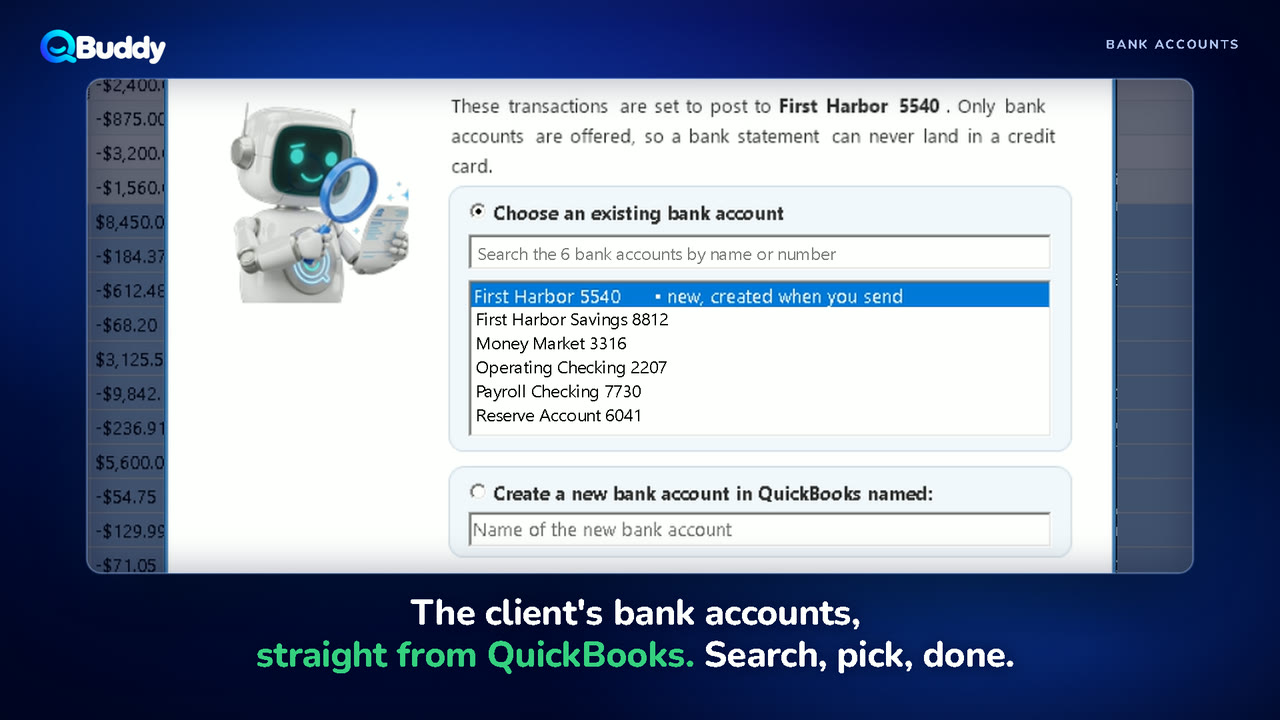
The right account, every time.
Statements post to the client's own bank account, and nothing is created without your yes.
Will it work the way my firm works?
Your rules, your clients, your QuickBooks.
 0:51
Rules
0:51
Rules
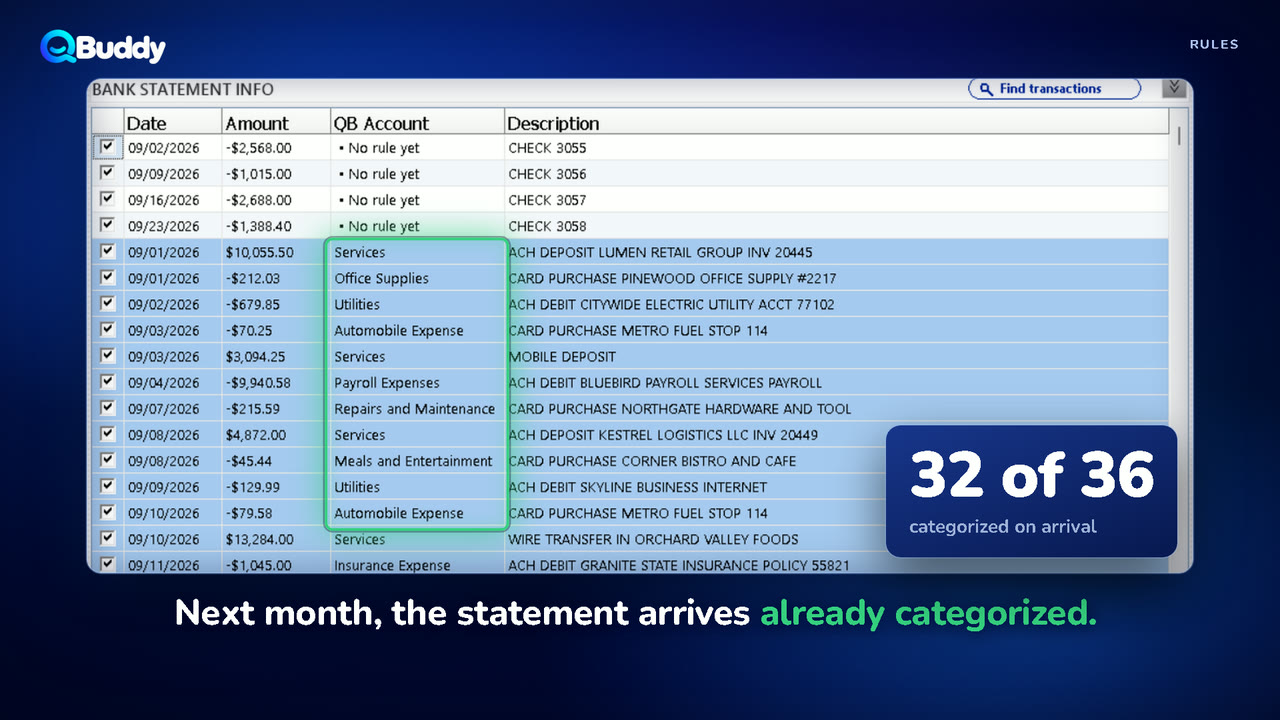
Teach it once. It remembers.
Categorize a payee once. Next month the statement arrives already categorized.
 0:39
Desktop and Online
0:39
Desktop and Online
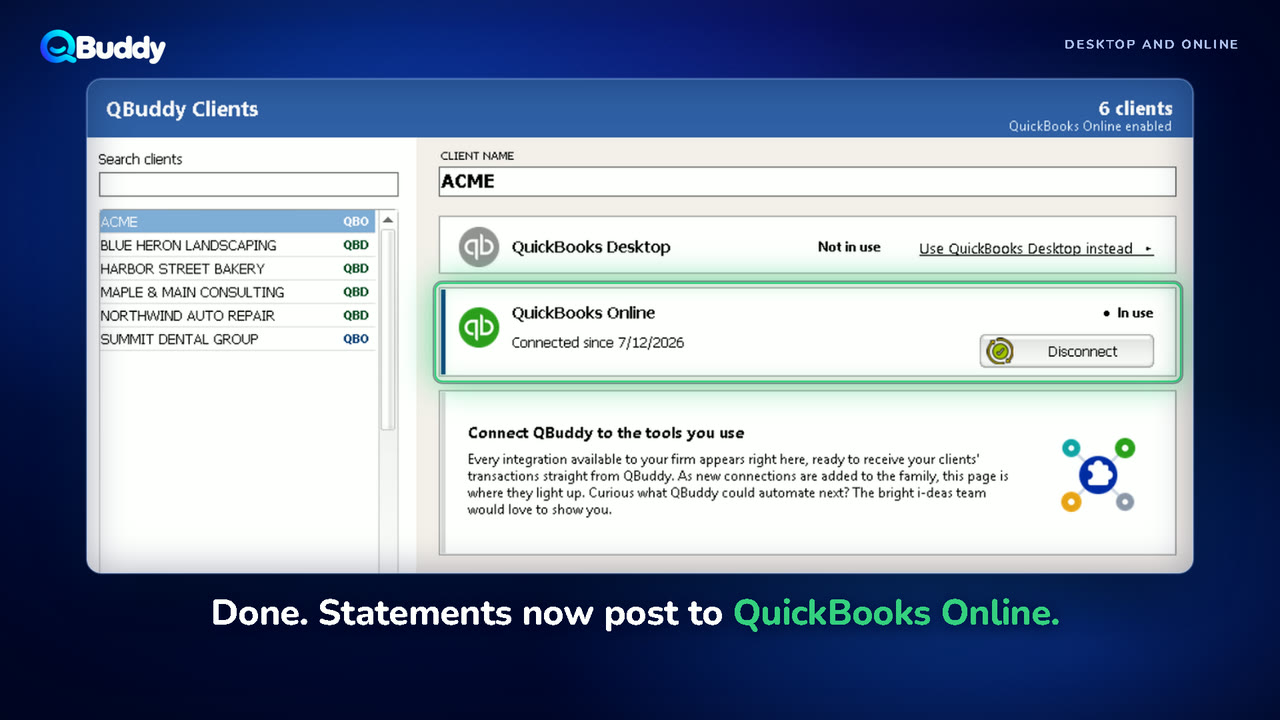
QuickBooks Desktop or Online? Both.
QuickBooks Desktop today, QuickBooks Online tomorrow. Move a client with one click and keep every rule.
 0:39
A year at once
0:39
A year at once
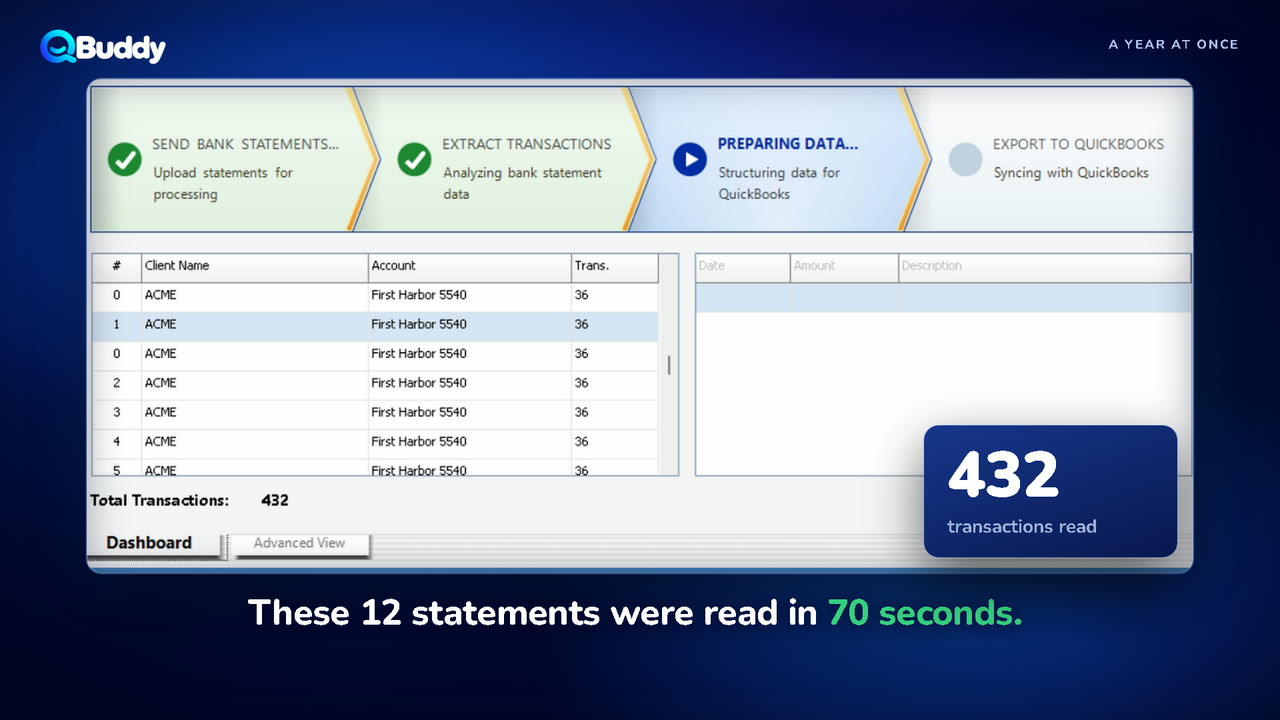
Twelve months of statements? Done by lunch.
A new client a year behind? Send twelve statements together and catch up in a morning.
What does the owner get?
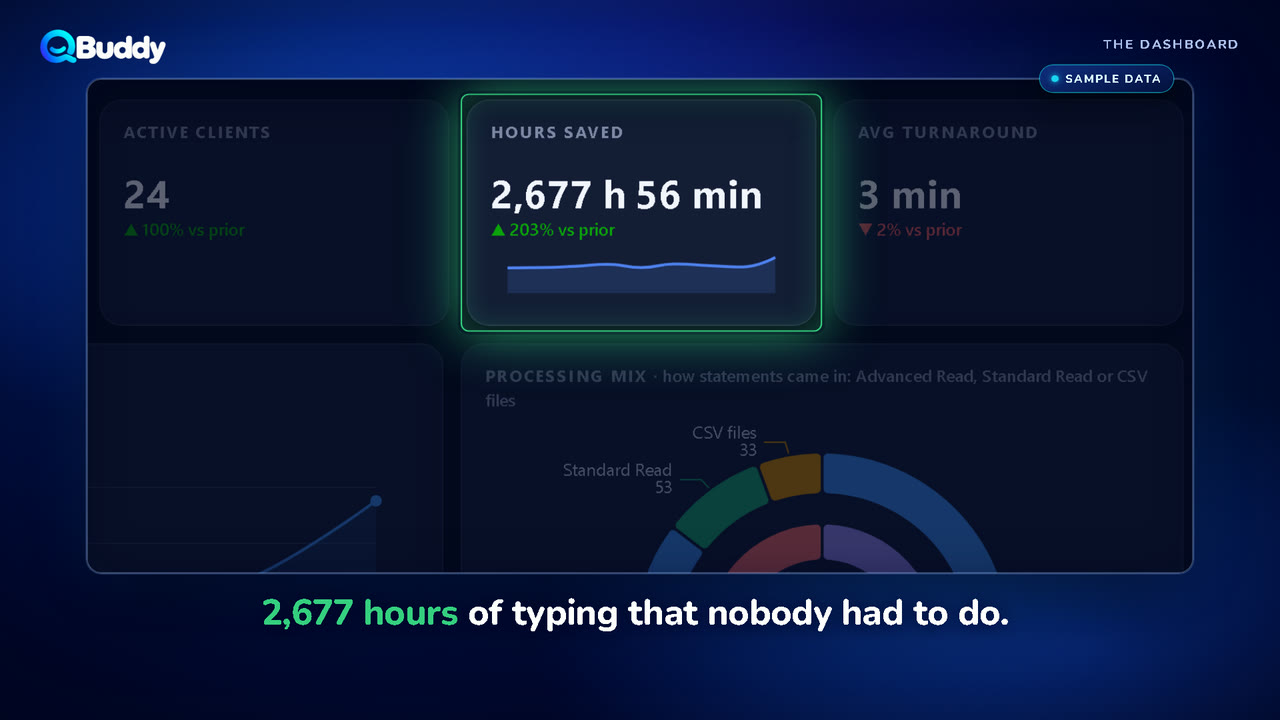
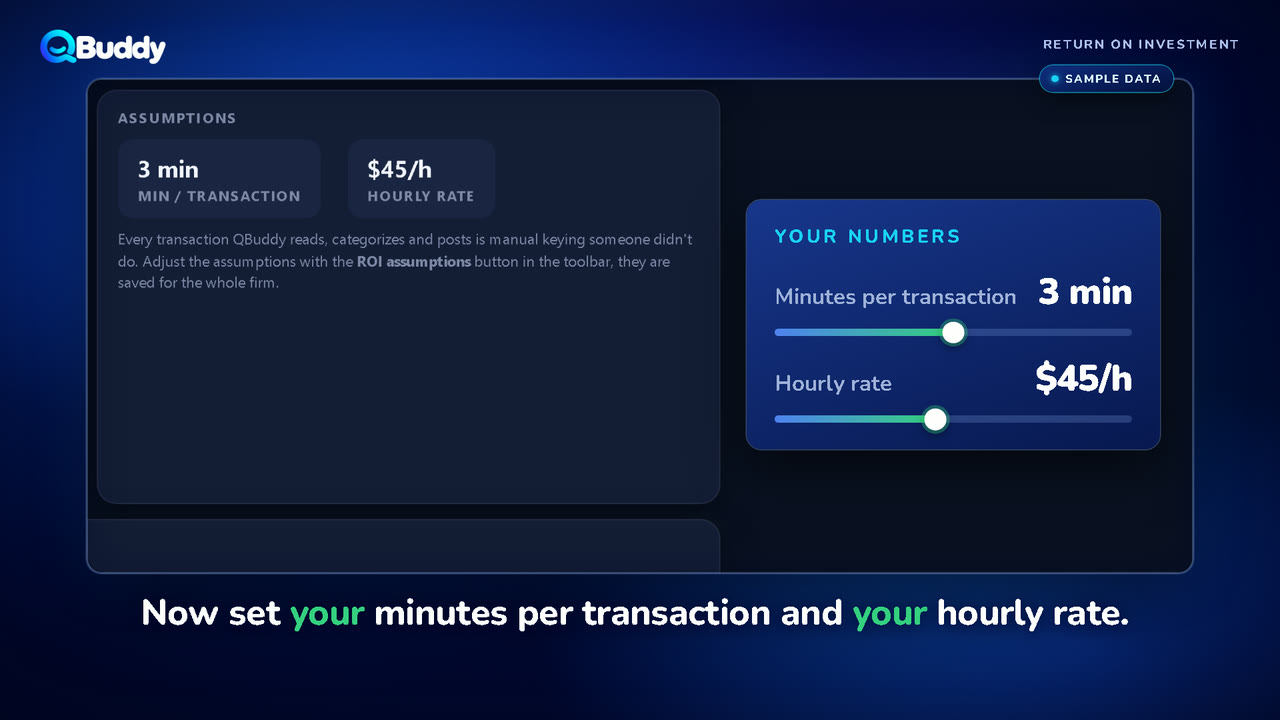
The work counted, and what it is worth.
Seen enough? See it on your own statements.
Book a 15-minute demo and bring the messiest statement you have. No contract, no commitment.